
Top Home Office Essentials Every Remote Worker Needs
Looking to boost your productivity? Explore the best work-from-home equipment, from ergonomic office chairs and standing desks to monitors, keyboards, and productivity tools.
HOME OFFICE
6/17/20268 min read


In recent years, remote work has transitioned from a niche concept to a mainstream practice embraced by professionals across various industries. The rapid evolution of technology and the changing dynamics of the modern workplace have enabled individuals to work efficiently from the comfort of their homes. This significant shift has underscored the need for a well-equipped home office, tailored to enhance productivity, comfort, and work-life balance.
Establishing an effective home office environment is not merely about aesthetics; it profoundly affects an individual’s workflow and mental well-being. Many can relate to the challenges of working from a dining table or sofa, where distractions abound and ergonomic considerations may be overlooked. In my own experience, transitioning to a dedicated workspace made a remarkable difference. The act of separating my work area from my personal space led to more focused work sessions and a clearer delineation between professional and personal activities.
Quality equipment plays a pivotal role in creating an optimal home office. Investing in the right tools, such as a comfortable chair, a spacious desk, and efficient tech gadgets, creates an atmosphere conducive to sustained productivity. Comfort is especially crucial as it directly impacts one's physical health and ability to concentrate for extended periods. With the rise of remote work, professionals are beginning to realize that their work environment significantly influences their success and satisfaction.
Ultimately, a well-thought-out home office setup not only benefits day-to-day tasks but also contributes to an overall improved quality of life. As we delve deeper into this topic, let us explore the essential items that every remote worker needs to create their ideal workspace, which in turn fosters a healthier work-life harmony.
The Challenges of Remote Work
Remote work has gained tremendous popularity in recent years, yet it comes with a unique set of challenges that can significantly impact productivity and overall well-being. One of the most common problems remote workers face is distraction. The home environment often presents numerous disturbances, from household chores to family members, making it difficult for individuals to maintain focus on their work tasks. This lack of concentration can lead to reduced efficiency and ultimately hampered job performance.
Moreover, the absence of a structured work environment can complicate time management for many remote employees. Unlike a conventional office setting with clear boundaries between work and personal life, home offices can blur these lines, resulting in either overworking or procrastination. This disorganization can lead to an unproductive workday, where important tasks remain incomplete while distractions take precedence.
Physical discomfort is another issue that remote workers commonly experience. Without access to ergonomic office furniture, many individuals find themselves sitting for extended periods in makeshift workspaces that are far from ideal. This can result in physical ailments, such as back pain and poor posture, which further degrade mental clarity and motivation over time.
Addressing these challenges effectively requires careful consideration when selecting home office essentials. Choosing ergonomic chairs, designated workspaces, and productivity tools can significantly improve daily output and comfort levels. Each aspect plays a crucial role in establishing an environment that fosters efficiency and well-being. By mitigating these common issues, remote workers can enhance their productivity and mental health—key components for professional success in today’s increasingly remote work landscape.
As the trend of remote work continues to grow, having the right home office essentials is crucial for maintaining productivity and comfort. Among the various products available, several stand out due to their effectiveness in creating an efficient workspace.
Detailed Product Reviews
Setting up an efficient home office is essential for remote workers, and selecting the right products can make a significant difference in productivity and comfort. Below are reviews of key home office essentials, covering their features, benefits, and considerations to ensure you make informed purchasing decisions.
Standing Desks
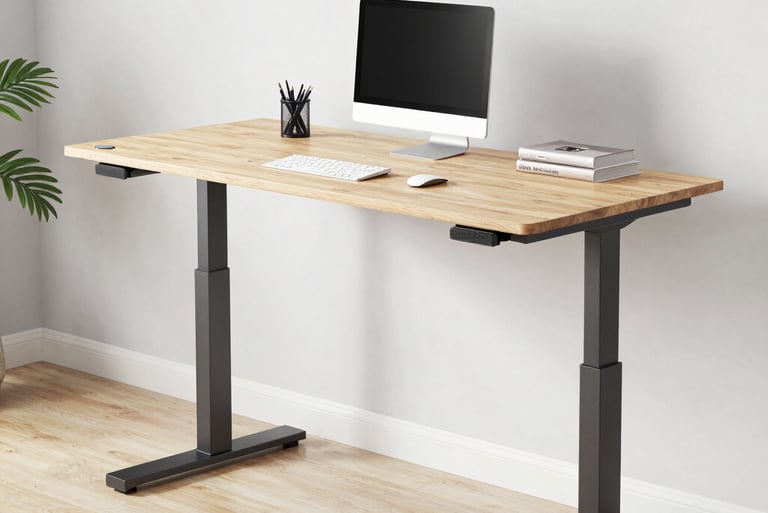
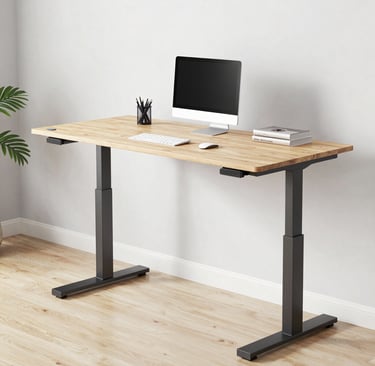
Standing desks offer flexibility in work posture and promote better health. Key features include adjustable height, sturdy construction, and spacious work surfaces. Pros include improved posture and increased energy, while cons may include a higher price point and the need for additional space.
Recommended Product: ErGear Standing Desk - Known for its durability and ergonomic design, it offers numerous configurations and a height range suitable for different users.
Ergonomic Chairs
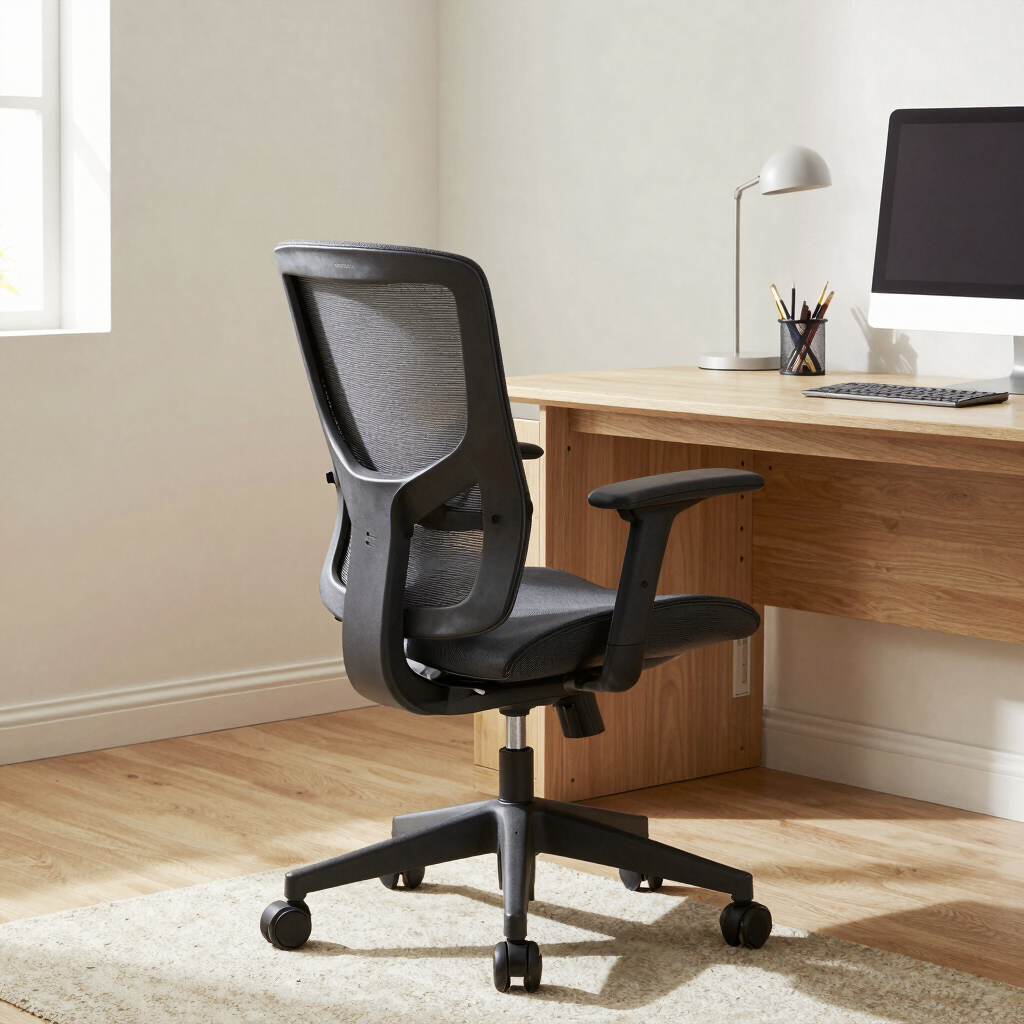
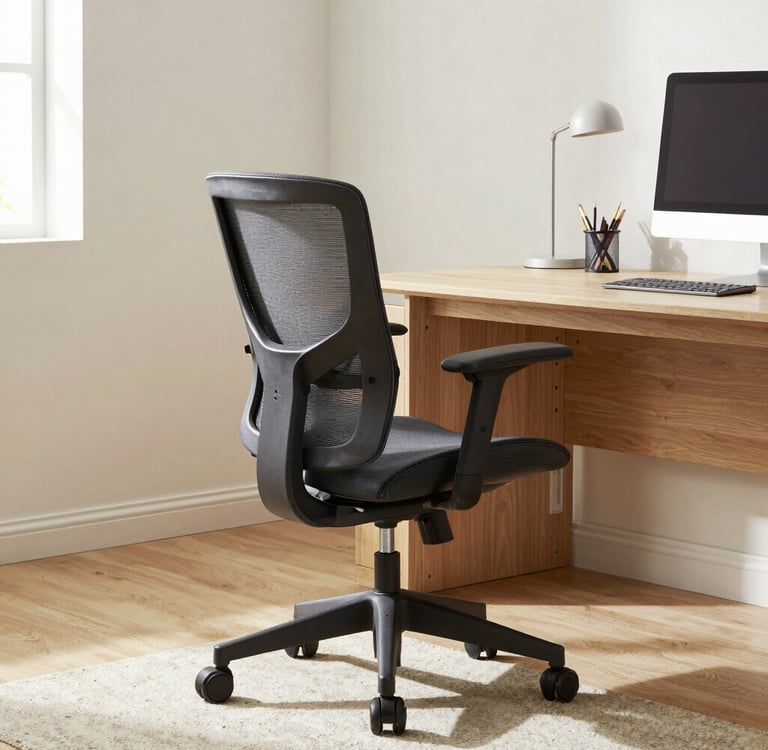
Comfortable seating is vital in a home office setup. Ergonomic chairs provide lumbar support, adjustable height, and recline features. The advantages include reduced back pain during long work hours, but they may come at a higher initial investment.
Recommended Product: Herman Miller Aeron Chair - Highly rated for its adjustability and sleek design, making it ideal for long hours of work.
Monitors
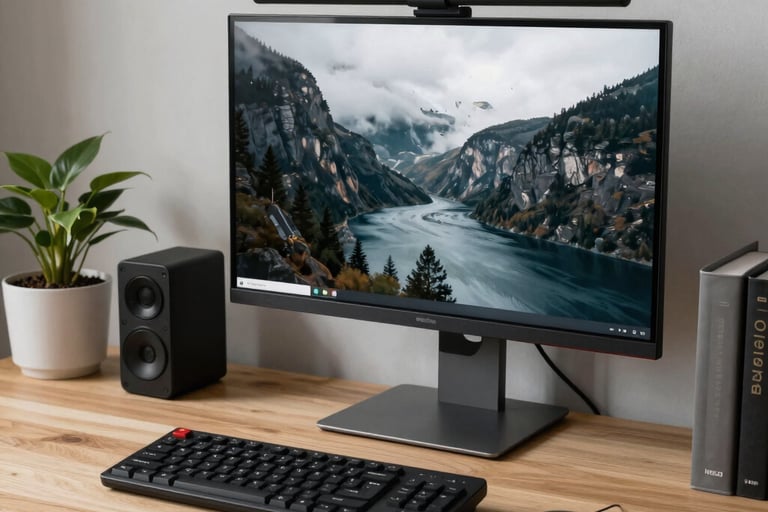
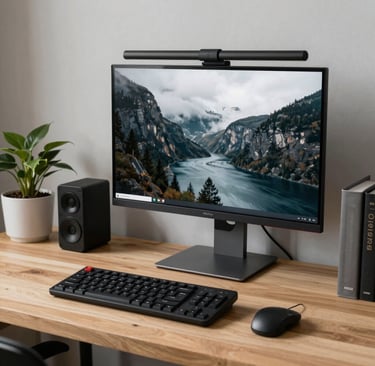
A high-quality monitor enhances productivity by providing ample screen space. Features such as resolution, adjustability, and connectivity options are crucial. The pros of a larger monitor include reduced eye strain, while potential cons could be desk space requirements.
Recommended Product: Dell UltraSharp U2720Q - Offers excellent color accuracy and 4K resolution, perfect for multitasking and content creation.
Docking Stations
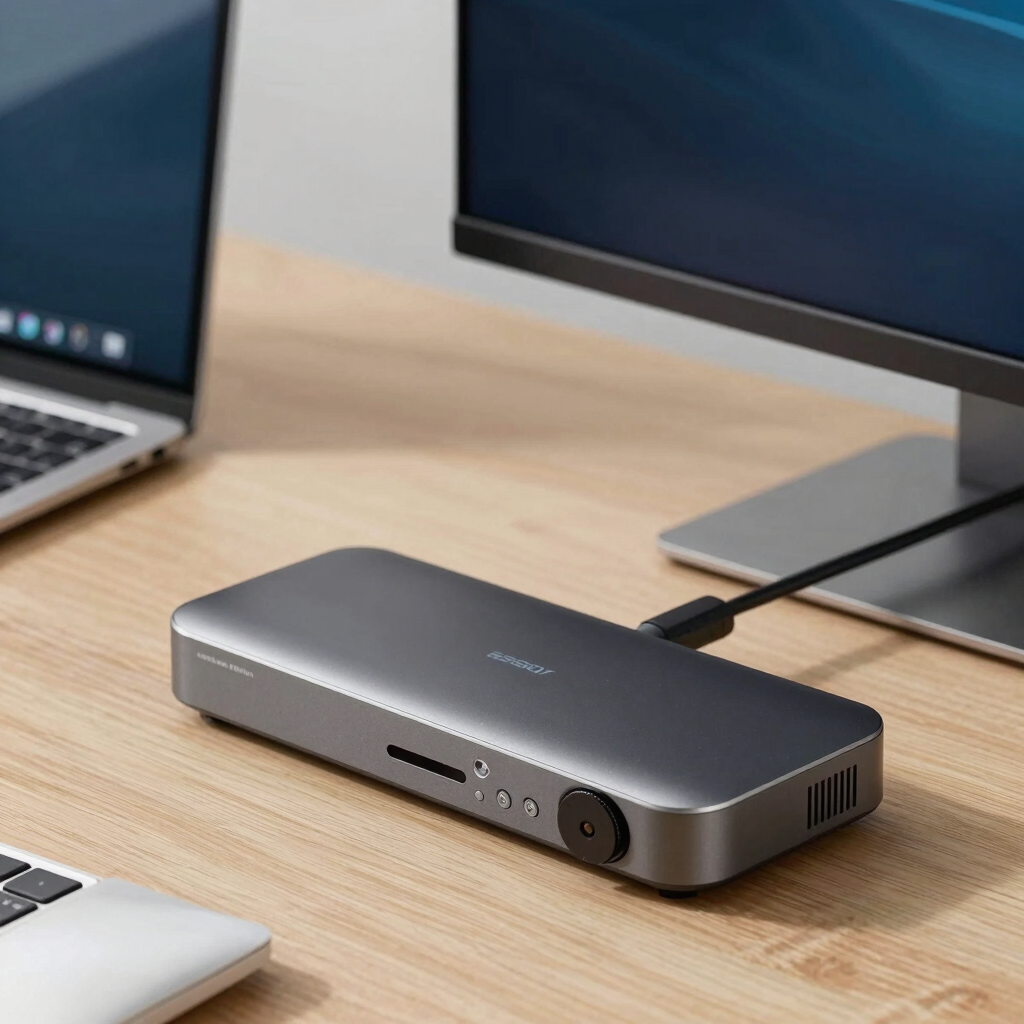
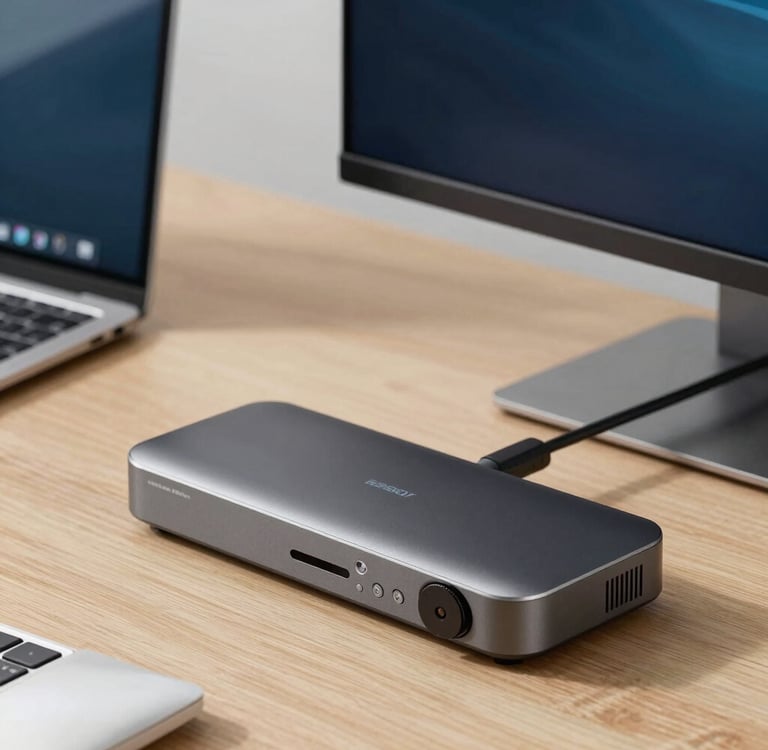
Docking stations simplify connection of multiple devices, which is especially useful for laptops. Key features include several USB ports, video outputs, and charging capabilities. While beneficial for organization, they may require additional investment.
Recommended Product: Dell Pro Dock - Compact yet powerful, it connects various devices and maintains high-speed data transfer.
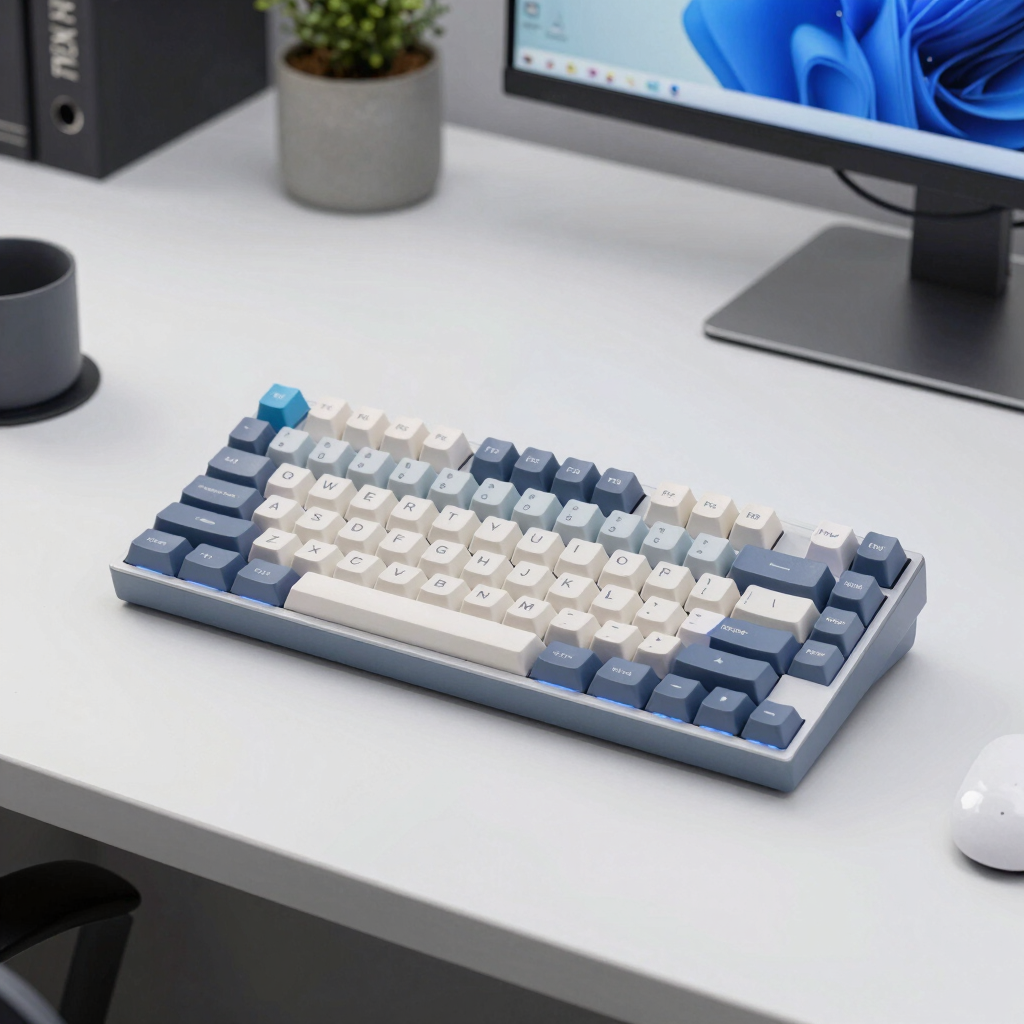
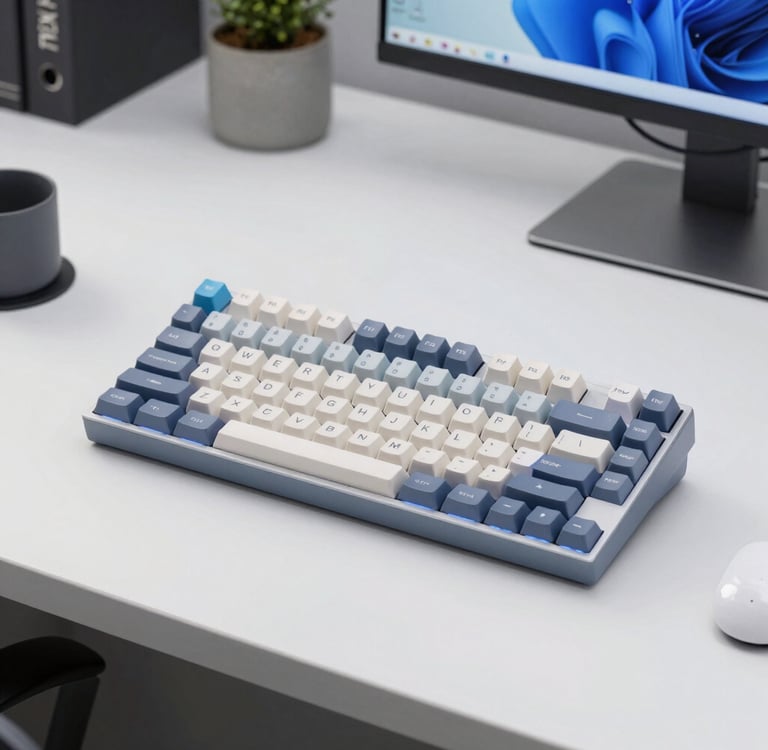
Mechanical Keyboards
Mechanical keyboards offer tactile feedback and durability. Key features include switch types, customizable key layouts, and backlighting options. Pros include enhanced typing comfort, while cons might be noise levels and size.
Recommended Product: Keychron K4 - Versatile and compact, it provides great performance for both work and recreation.
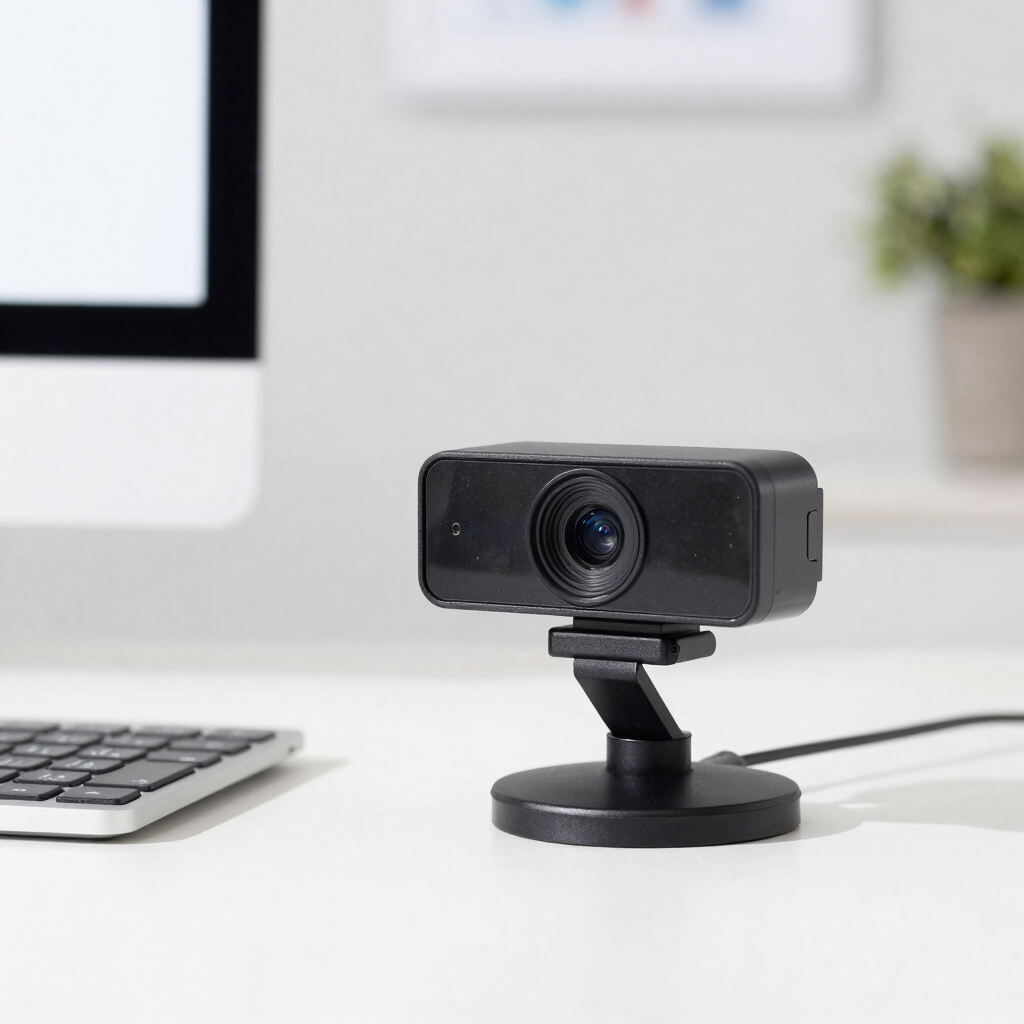
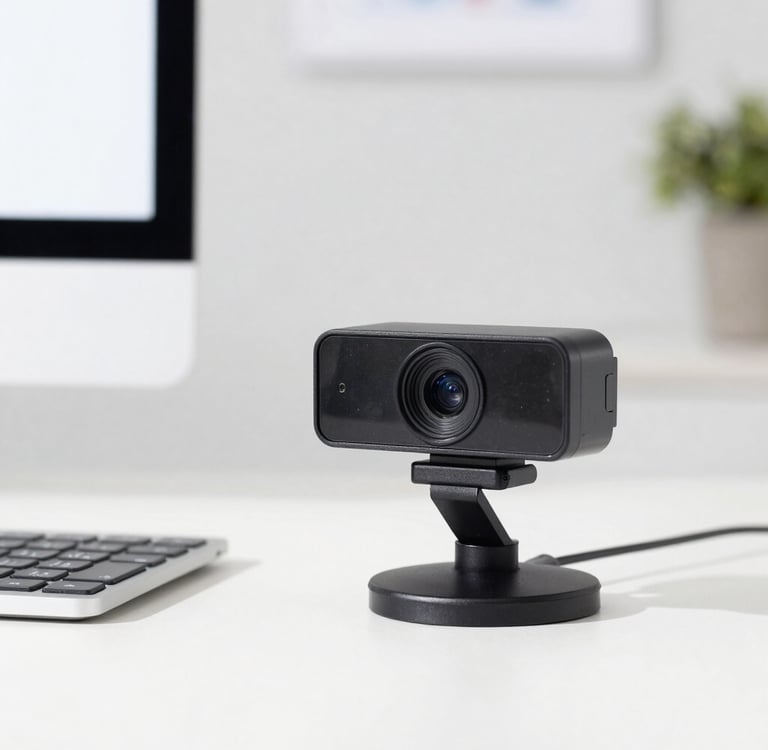
Webcams
High-definition webcams enhance virtual communication. Features to consider are resolution, field of view, and microphone quality. Advantages include improved video quality, while downsides may include compatibility issues with specific software.
Recommended Product: Logitech C920S - Renowned for its clarity and reliability, it is ideal for professional video conferencing.
Office Lighting
Good lighting is critical to reduce eye fatigue. Features to evaluate include brightness levels, color temperature, and adjustability. The benefits of proper lighting are increased focus and productivity, whereas drawbacks might include the need for additional electrical outlets.
Recommended Product: BenQ e-Reading Lamp - Designed to alleviate eye strain, it adjusts according to ambient light conditions.
When selecting these products, consider your specific needs, space dimensions, and budget. Investing in the right home office essentials ultimately leads to a more productive work environment conducive to remote working challenges.
Choosing the Right Equipment for Your Home Office
Selecting the most suitable equipment for your home office is crucial in maximizing productivity and ensuring a comfortable working environment. A few key factors should be considered when making this decision: budget, workspace size, ergonomics, productivity needs, and long-term value.
Firstly, budget plays a significant role in your choices. It is essential to outline your financial limits before commencing your search. This allows you to focus on options that provide the best value within your affordable range. Remember that investing in quality products often pays off over time through increased durability and enhanced functionality.
The size of your workspace will also significantly affect your equipment selection. In a compact area, for instance, a smaller desk or foldable chair could be a more suitable option than bulkier furniture. When assessing your workspace, consider how various equipment pieces will fit and whether they will obstruct movement. It's important to create an optimized layout to foster a productive environment.
Ergonomics are vital for maintaining comfort and reducing health risks associated with prolonged sitting. Invest in adjustable chairs, desks, and monitors that promote good posture. An ergonomic setup not only supports physical well-being but can also enhance work efficiency, leading to overall better performance.
Understanding your productivity needs is also essential. Different professions may require specific equipment. For instance, if your work involves extensive video conferencing, investing in quality audio and visual equipment is crucial. Identify your primary tasks and choose tools that enhance your workflow.
Lastly, consider the long-term value of your purchases. Opt for equipment that is not only durable but also adaptable to future needs as your work evolves. This foresight can help avoid frequent replacements, ensuring your investment serves you well over time. By carefully analyzing these factors, you can create a home office that aligns with your unique circumstances and enhances your productivity.
Frequently Asked Questions
1. What are the best ergonomic practices for a home office?
To create an ergonomic workspace, begin by ensuring that your chair provides adequate lower back support and allows your feet to sit flat on the ground. Position your computer monitor at eye level to minimize neck strain, ideally about an arm's length away. Additionally, using a keyboard and mouse that allow for a neutral wrist position can enhance comfort during prolonged use.
2. How can I set up my home office on a budget?
Setting up an affordable home office is possible by prioritizing essential items first. Start with a second-hand desk and chair from thrift stores or online marketplaces. Consider purchasing budget-friendly accessories like a monitor stand or a desk lamp from discount retailers. Focus on multifunctional furniture to save space and costs.
3. Are there specific home office essentials for different professions?
Yes, various professions have unique requirements. For example, graphic designers may need high-resolution monitors and drawing tablets, while writers might prefer a quiet space with minimal distractions and good acoustics. It's essential to assess your work needs and tailor your office setup accordingly.
4. What tools can enhance productivity in a home office?
Several tools can boost productivity in a remote work environment. Project management software, such as Trello or Asana, can help organize tasks, while time-tracking tools like Clockify can ensure you remain focused. Noise-canceling headphones are also recommended for improved concentration, especially in a busy household.
5. How do I maintain a work-life balance in a home office?
To maintain work-life balance, establish clear boundaries between work and personal time. Set specific working hours to create a routine, and utilize a dedicated workspace to reduce distractions. Regular breaks incorporated into your workflow can further aid in sustaining productivity while preventing burnout.
Final Recommendations
Choosing the right home office essentials can significantly impact productivity and comfort for remote workers. Based on the categories identified throughout this article, we recommend tailored selections for various types of users to cater to their distinct requirements.
For budget buyers, essential items such as a decent ergonomic chair and a reliable desk are paramount. Look for economical options that prioritize comfort without compromising quality. Brands that offer multifunctional furniture can also maximize utility in smaller spaces, making them ideal choices for those maintaining a cost-effective setup.
Professionals may require a more robust infrastructure. A high-quality monitor and wireless accessories can boost efficiency and ease of use. Investing in ergonomic equipment, such as keyboards and mouse pads, can help mitigate strain during long working hours. Additionally, consider a reliable high-speed internet connection to facilitate seamless communication and collaboration.
Remote workers and content creators should focus on tools that enhance creativity and boost output. Quality microphones and webcams are critical for video calls and presentations, while specialized software can streamline content production. A well-organized workspace decorated to inspire creativity can also help maintain motivation throughout the day.
For power users, technology becomes a significant consideration. Options like dual-monitor setups and advanced noise-canceling headphones can greatly enhance workflow and concentration in distractions-prone environments. Adequate cable management tools are essential for maintaining an organized workspace, reducing visual clutter.
Ultimately, selecting the right home office essentials hinges on understanding individual needs and preferences. It's crucial to make informed and confident purchasing decisions that reflect one's work habits and work environment. The recommendations provided throughout this post serve as a guide to help ensure suitability for a productive remote working experience.
Connect
Stay in touch for fresh lifestyle tips
Links
unlock@bylifestyleunlocked.com
© 2025. All rights reserved.